
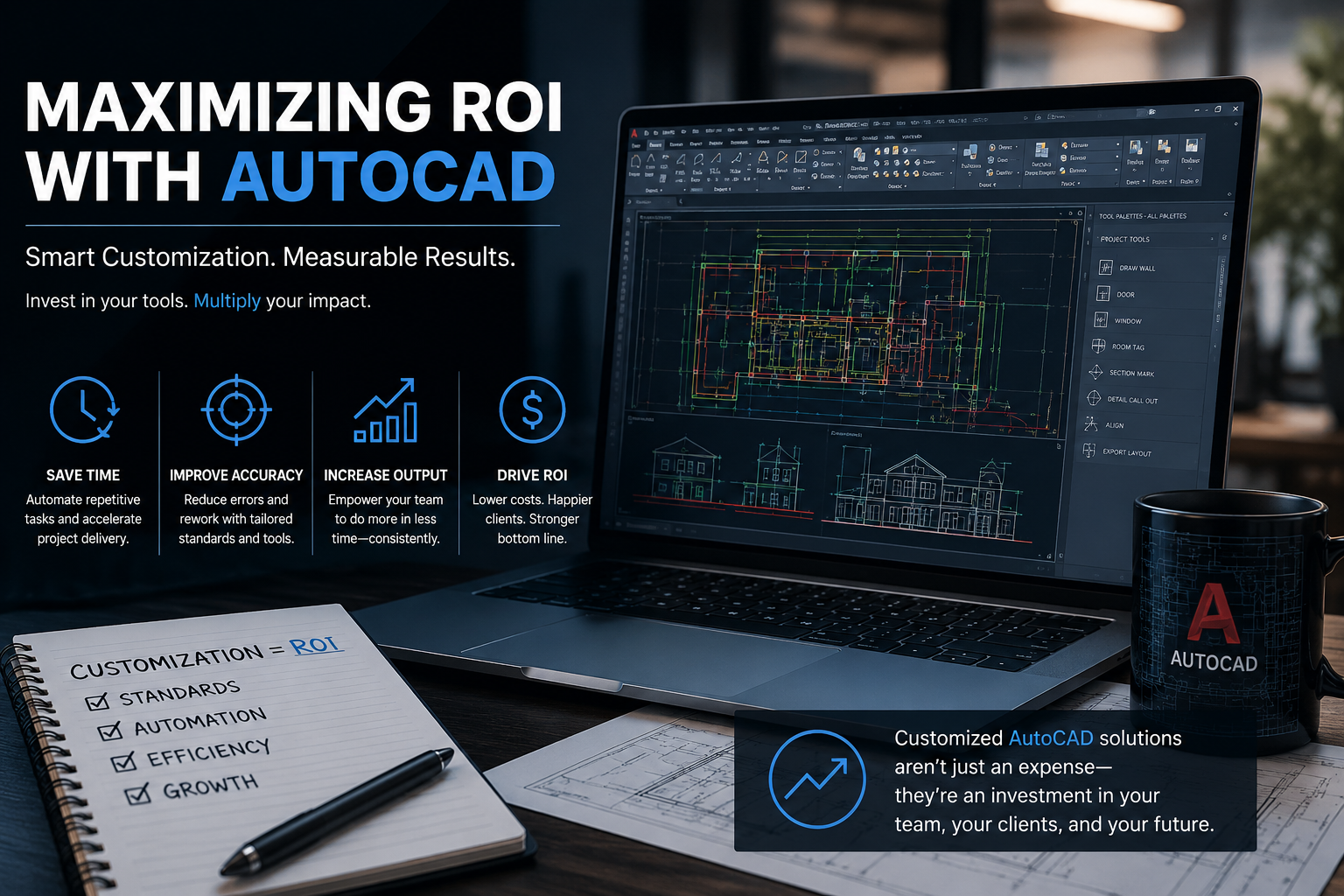
Why AutoCAD Customization Pays for Itself in Small Engineering Firms
Calculating Return on Investement
Posted by Charlie Recksieck
on 2026-09-10
After more than 20 years working with AutoCAD customization for engineering and electric utility companies, I'd argue that the question should be reversed:
How much money are you already losing by making people do the same things manually over and over again?
The basic business case for customization isn’t rocket science. Good AutoCAD customization can mean faster drafting, fewer errors and less rework. And in a small engineering firm, those savings add up quickly.
Automate the Boring Stuff
The conceptually easiest upgrade to understand is repetitive work.
If a drafter spends five minutes setting up a drawing, another five minutes creating standard elements, and another few minutes making sure everything is on the right layers and using the correct blocks, none of that is particularly difficult work. But if they do it hundreds of times a year, you’re paying somebody to repeatedly perform tasks that a computer is perfectly capable of doing.
I'll go one further: I've heard clients or stakeholders fret over costs of projects and how to judge if the return justifies the expense. I believe that in most cases, the benefits usually translate to hours saved quite easily and judging whether a project is justified is very doable. But we'll revisit that later here.
It's mainly about tiny timesavers and enhancements. A custom command can turn a series of steps into one button.
That’s not necessarily about making someone dramatically faster. Saving five minutes on one drawing isn’t exciting. Saving five minutes on 500 drawings is 41 hours of labor.
And that’s before considering what happens when the process isn’t done correctly.
Errors Are More Expensive Than Keystrokes
Speed isn't even the real payoff of customization work. Often it’s consistency.
Suppose a firm has particular standards for layers, blocks, drawing properties or plotting. You can train everyone to follow those standards, give them a manual and hope for the best - or you can have the software do as much of the checking and setup as possible.
This is where the economics get interesting.
Saving somebody ten minutes of drafting time is nice. Preventing an engineer from discovering three hours later that a drawing needs to be redone is considerably nicer.
Keep in mind that this was for a larger utility company, but our customization work with a large power company in the Western U.S. was proven to save time, and reduce training for newly onboarded designers - but that project's main benefit was to get their estimates within 2 or 3 percent accuracy. Not only is that an industry-leading figure, but also in an industry where government oversight of utilities even mistakenly overcharging customers typical result in fines up to $150,000.
The costs of an error don’t necessarily stop with the person who made it. A bad drawing can go through review, get incorporated into another drawing, get sent to a client and eventually require several people to fix something that could have been prevented at the beginning.
What Does It Cost?
Let’s say a small engineering firm spends $10,000 developing a customized AutoCAD workflow.
That sounds like a significant expense until you start putting numbers against the other side of the equation.
Let’s picture a scenario where four drafters collectively save even just one hour a week because of automated drawing setup, standardization and repetitive drafting tasks. At an effective labor cost of $50 an hour, that translates to $200 a week - or more than $10,000 a year.
And that was an intentionally conservative example. Again, it doesn’t include the value of preventing errors, reducing rework or allowing experienced people to spend more time doing actual engineering and design.
Obviously, not every customization project will produce those kinds of savings. If you’re automating something that happens twice a year, you’re probably not getting your money’s worth.
But if you’re doing something every day, on every project, with multiple people, this is where customization starts to make financial sense.
Don’t Automate the Engineering
We never try to replace the engineer or drafter with software. If we make code or improvements that stop paying skilled people to perform work that doesn’t require their judgment, then we've done our job.
For a small firm, that can be a pretty powerful competitive advantage. You don’t need hundreds of employees or a massive corporate CAD department to work efficiently. Sometimes you just need to make the computer do the boring stuff it was supposed to be doing all along.
We love a good 80/20 rule around here - let’s see about automating 80% of the everyday stuff and leave the more complicated 20% of design scenarios up to the qualified professionals doing the work.
Unlike buying a bigger office or hiring another employee, a good piece of automation can keep paying you back years after the coding was done.
